Tools · Software
Spreadsheet or Project Management Tool? When a Small Team Should Switch
A shared spreadsheet runs more small companies than any software product. Here is how to tell when it has stopped working, and what a dedicated tool actually adds.
- (Author)
- Callum Reyes
- (Published)
- (Reading)
- 3 min
- (Section)
- Tools
In this guide 5 sections
Nearly every small business starts tracking its work in a spreadsheet, and many never need anything else. A sheet is free, flexible and understood by everyone. The question is not whether spreadsheets are good enough in general. It is whether yours is still good enough for the way your team works now.
What a spreadsheet does well
Spreadsheets are excellent at structured lists that change slowly: a stock list, a supplier directory, a content calendar with one owner. They make filtering, sorting and simple totals easy, and nobody needs training to use one. For a team of two or three people working on clearly separate things, a well-kept sheet is often the right answer.
Where it starts to break
The trouble starts when several people work on the same tasks and need to hand them to each other. A spreadsheet has no natural place for a conversation about a task, no reminders, and no record of who changed what and why. People compensate by talking in chat, and the sheet slowly drifts out of date.
The warning signs
Tasks are discussed in chat but never updated in the sheet. Someone asks "what's the latest version?" more than once a week. Deadlines are missed because nobody was reminded. Rows have an owner column that says "?".
Side by side
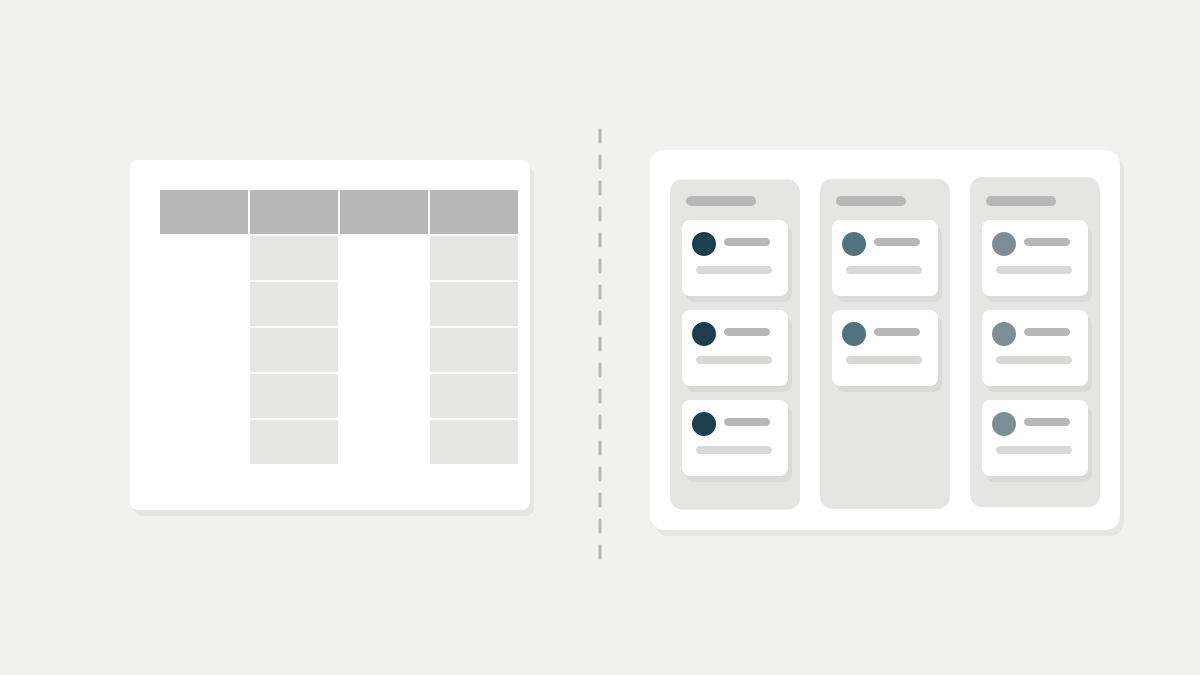
| Shared spreadsheet | Project management tool Winner | |
|---|---|---|
| Cost | Usually free with existing office software | Typically priced per user per month |
| Setup time | Minutes | Hours to days, depending on the workflow |
| Ownership and assignees | A column someone has to keep updated | Built in, with notifications |
| Discussion on a task | Cell comments at best | Threads attached to each task |
| Deadlines and reminders | Manual | Automatic |
| Views (list, board, calendar) | One grid, filtered by hand | Several views of the same data |
| Reporting and totals | Excellent | Basic in most tools |
The table leans towards the dedicated tool for team coordination, but notice the last row: spreadsheets remain better at numbers. Most teams that switch keep a spreadsheet for budgets and stock, and use the project tool for who is doing what by when. The board-style view most tools offer is borrowed from kanban, while longer projects with dependencies often suit a Gantt chart view.
What switching really costs
The subscription is the visible cost. The bigger one is time: someone has to design the workflow, move the existing tasks across and keep nudging people to update the tool rather than reverting to chat. Budget a few hours a week for the first month. If nobody has that time, the new tool will become a second spreadsheet that is also out of date.
A project tool does not create discipline. It makes the lack of it easier to see.
How to switch without a revolt
Pick one recurring workflow with several hand-offs, such as client onboarding or product launches, and move only that. Write down how the work should flow before you configure anything; our guide to writing SOPs people follow is a good starting point. Run the old and new systems side by side for two weeks at most, then retire the old one for that workflow.
Finally, add the subscription to your monthly cost review. Per-seat software is one of the quiet line items that grows as a team does, and it belongs in your cash flow forecast like any other commitment.