Tools · Tools
Microsoft 365 Price Increase 2026: How to Audit Your Seats Before You Renew
Business Basic and Standard rose on July 1, and your new price lands at your next renewal. A one-hour seat audit can cancel out the increase.
- (Author)
- Ines Calloway
- (Published)
- (Reading)
- 7 min
- (Section)
- Tools

In this guide 12 sections
Microsoft raised prices for some business plans on July 1, 2026. Business Basic rose from $6 to $7 per user per month, and Business Standard from $12.50 to $14. Existing customers keep their old rate until their next renewal, so your increase may still be ahead. A one-hour seat audit before renewal can offset most of it.
This guide is for owners and office managers who pay for Microsoft 365 and do not have an IT department. Emazoo looks at tools by one test, which is what a tool replaces and what it costs per seat. The steps below apply that test to the subscription most small teams pay for every month.
What Exactly Changed in Microsoft 365 Pricing?
According to a breakdown of the July 2026 price change, the increase applies to several commercial plans. The table below shows the small-business tiers, based on annual commitment pricing in U.S. dollars.
| Plan | Before | After |
|---|---|---|
| Business Basic | $6.00 | $7.00 |
| Business Standard | $12.50 | $14.00 |
| Business Premium | $22.00 | $22.00 |
| Frontline F1 | $2.25 | $3.00 |
That source says Microsoft framed the increase as paying for new features, including its Copilot assistant and added security tools. The figures come from secondary reporting, so verify them in Microsoft\'s own pricing notice or in your admin center before you budget.

How Much Will the Increase Cost a Small Team?
The increase looks small per seat and larger across a year. Take a 12-person team on Business Standard. The change is $1.50 per seat per month, so $18 per seat and $216 per year across the team.
A Business Basic team of 12 pays $1 more per seat per month, or $144 a year. Neither number will sink a business. The problem is that software increases arrive from many vendors at once, and each one looks small.
Add the optional Copilot add-on and the picture changes. The same report lists it at about $21 per user per month for small businesses. Three users on it cost $756 a year, which is more than the entire price increase.
Why Does a Seat Audit Beat a Switch?
Many owners respond to a price rise by shopping for a replacement. That is rarely the cheapest move. A migration takes staff time, risks lost files and forces everyone to relearn their tools.
A seat audit costs an hour and uses what you already own. It finds licenses nobody uses, plans higher than needed and add-ons nobody opened. Those are pure waste, and removing them does not change how anyone works.
Our rule at Emazoo is simple. Fix what you pay for before you change what you use.
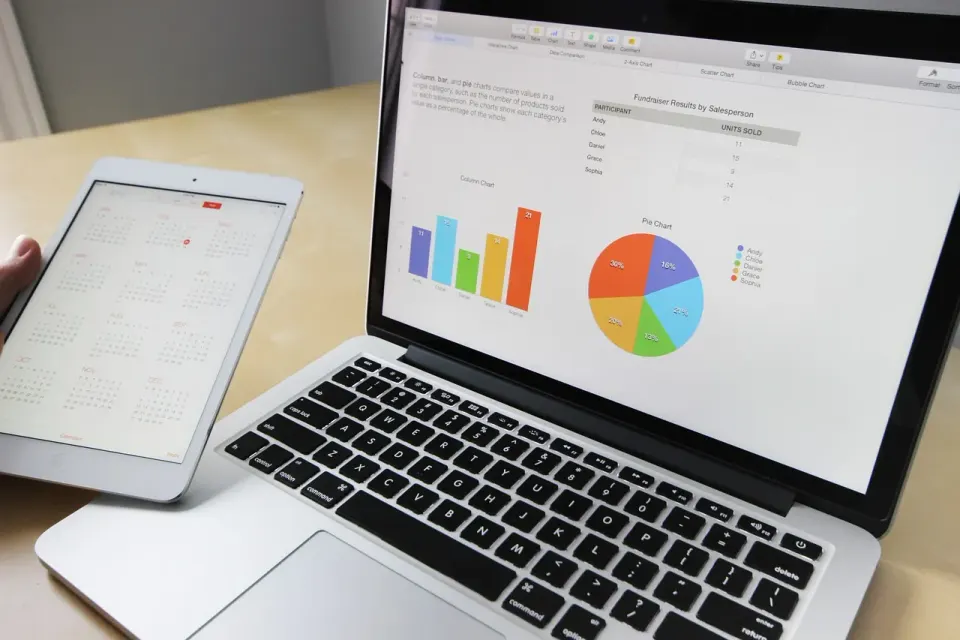
How Do You Run the Audit Step by Step?
You need admin access and a list of employees. Work through the steps in order and record what you change.
- List every licensed user. Export the user list from the admin center and mark each name as active, inactive or gone.
- Remove departed staff. Convert their mailbox if you need the data, then release the license.
- Check last sign-in dates. A license with no sign-in for 90 days is a candidate for removal.
- Match plan to need. Someone who only uses email and web apps may not need desktop software.
- Review add-ons. Remove any that nobody has used in the past month.
- Note the renewal date. Set a reminder 30 days before it.
Keep a one-page record of the old and new seat counts. That sheet is also handy at year-end, since software subscriptions are a deductible business expense. The IRS covers this in Publication 535 on business expenses.
Who Can Move From Standard to Basic?
Basic costs half as much as Standard. The difference matters when you multiply it by several seats. The right candidates are people who work mostly in email, chat and web-based documents.
Keep Standard for anyone who relies on desktop apps, such as a bookkeeper in Excel or a designer with large files. Ask each team lead before you downgrade a seat. A short conversation avoids a frustrated employee and a rushed reversal.
Here is a worked example. If five of your 12 users move from Standard to Basic, you save $7 per seat per month at the new prices. That is $420 a year, far more than the $216 increase on the whole team.

What About Security When You Trim Plans?
Do not cut security to save a few dollars. Multi-factor authentication, which asks for a second proof of identity at sign-in, is basic protection for every account. The Cybersecurity and Infrastructure Security Agency explains how it works in its guidance on multifactor authentication.
Business Premium stayed at $22 and includes extra security and device-management features. If you hold sensitive client data, that plan may be worth keeping for the people who handle it. Check the current feature list on Microsoft\'s site before deciding.
The National Institute of Standards and Technology also publishes a small business cybersecurity resource page with plain-language guides. Our own piece on a payment verification process against business email compromise shows why account security matters for your cash as well as your files.
Should You Renew Early or Wait?
Reports say that renewing before your anniversary date can keep the older rate for another term. The details depend on your contract, and they may differ if you buy through a reseller. Do not assume. Ask your reseller or check the billing page, and get the answer in writing.
If you are close to a renewal, run the audit first. Renewing the wrong number of seats for a full year is worse than paying a slightly higher rate on the right number. Right-size, then lock in.

Is the Copilot Add-On Worth the Money?
Copilot is an AI assistant that works inside the Microsoft apps. It is sold as a separate add-on at about $21 per user per month for small businesses, according to the price report. That is more than the cost of a Standard seat.
Treat it like any other tool and ask what it replaces. If a person spends hours each week summarizing meetings or drafting routine emails, the time saved may justify the cost. If nobody can name a task it speeds up, cancel it.
A fair test takes a month. Give the license to two or three users with clear tasks, measure the time saved and decide from the numbers. Avoid buying it for everyone because the demo looked impressive.
What About Switching to Google Workspace?
Google Workspace is the obvious alternative, and list prices are now close to Microsoft's tier for tier. Reported pricing is about $7, $14 and $22 per user per month for its three main business tiers on annual billing. That means a switch rarely saves much on price alone.
The real costs are in the move. You will need to migrate mail and files, retrain staff and rebuild any templates or macros. Spreadsheets that rely on advanced Excel features may not convert cleanly. Count those hours before you decide.
Switch only if the new suite fits how your team works better, and plan the move for a quiet month. Do not make a systems decision in a panic over a one-dollar rise.
A Simple Template for Your Audit Sheet
A tidy sheet makes the next audit faster. Use these columns, and keep one row per user.
- Name and role.
- Current plan and monthly cost.
- Last sign-in date.
- Which desktop apps they actually use.
- Recommended plan and the date you decided it.
- Any add-ons assigned to them.
Review it with whoever owns the budget. A second pair of eyes catches mistakes, such as a seat for a contractor who left months ago. Store the sheet where your successor can find it, so the process outlives any one person.
How Do You Keep Software Costs From Creeping Up?
Price increases are one part of the problem. The other is sprawl, which is the slow growth of tools that overlap. Build a single sheet with every subscription, its cost, its owner and its renewal date. Review it every quarter.
Add a column called "what it replaces." If you cannot answer that for a tool in one sentence, it is a candidate for cancellation. Many teams find that two or three tools do the same job.
Also plan for system end-of-life dates, which can force spending. Our guide to Windows 10 extended security updates in year two shows what that cost looks like. And if you are modernizing payments too, see our comparison of tools for moving off paper checks.
The Bottom Line on the Microsoft 365 Increase
The increase is real but manageable. Audit your seats, move people to the cheapest plan that fits and remove add-ons nobody uses. Then confirm your renewal date and price in writing.
Block one hour this week. A clean user list and a right-sized plan will save more than any discount offer, and they will make the next price change easier to absorb.