Operations · Automation
How to Automate Your Most Repetitive Admin Tasks (and Which to Leave Alone)
Automation saves the most time on tasks that are frequent, rule-based and dull. It costs the most when it touches money or customers and nobody notices it has broken.
- (Author)
- Ines Calloway
- (Published)
- (Reading)
- 2 min
- (Section)
- Operations
In this guide 5 sections
Most small businesses have a handful of admin tasks that eat hours every week: copying details between systems, chasing the same documents, sending the same reminders. Automating them is now easy with built-in features and connector tools. The hard part is choosing the right tasks and keeping the automations from failing silently.
Step 1: Keep a two-week task log
Ask each person to note any task they do more than once a week, how long it takes and what triggers it. The list is usually longer and more surprising than expected.
Step 2: Score each task
Score every task on three questions: how often it happens, whether it follows clear rules, and what happens if it goes wrong. The best candidates are frequent, rule-based and low-risk.
| Good candidates | Leave with a person |
|---|---|
| Copying new orders or leads into another system | Approving refunds or payments |
| Sending standard reminders and confirmations | Replying to complaints |
| Filing receipts and invoices into folders | Hiring and HR decisions |
| Creating tasks from form submissions | Anything with legal consequences |
Step 3: Write the process first
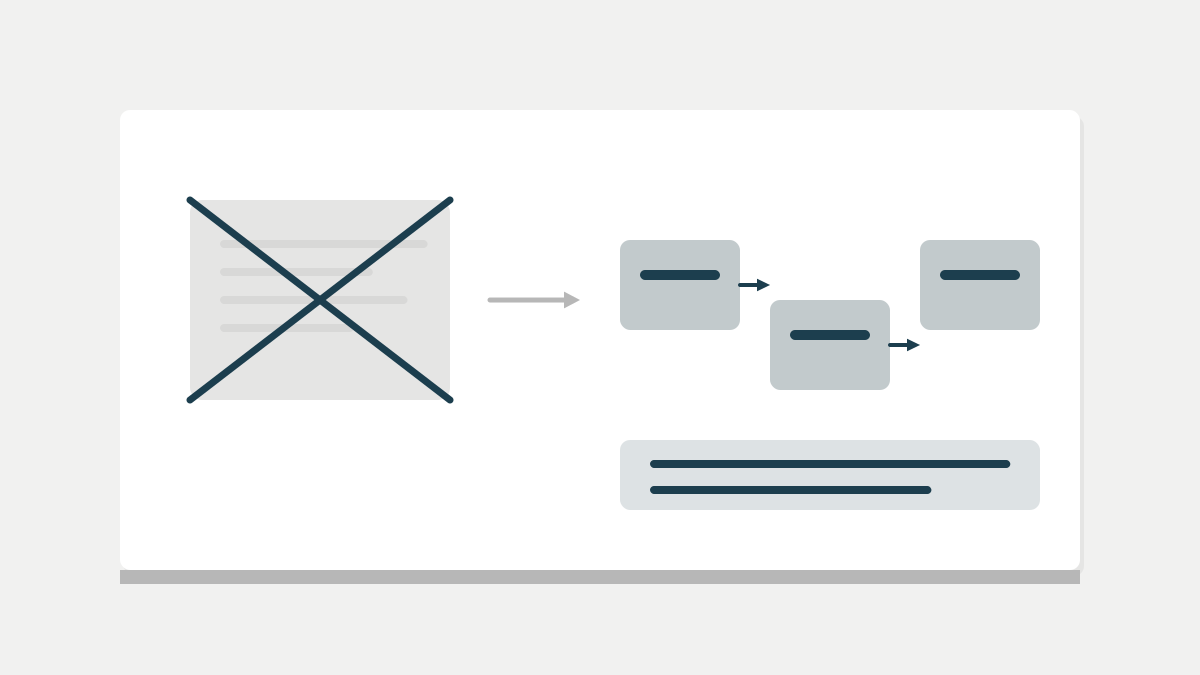
If a task is not written down, automating it just makes the confusion faster. Write it as a short procedure first; our guide to writing SOPs shows how. Then automate the steps that are pure rules.
Step 4: Start with built-in features
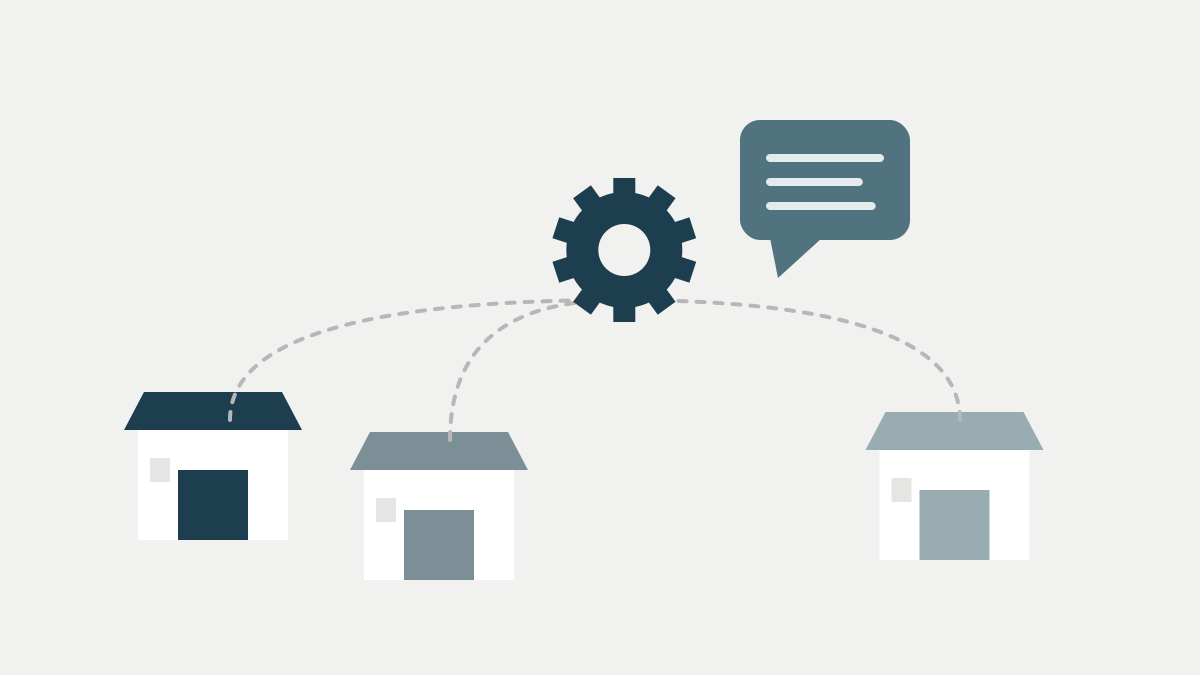
Your existing tools often have automation built in: recurring invoices, scheduled emails, rules in your inbox or project tool. Use those before adding a separate connector service, which is one more account to secure and pay for. Our guide to the minimum software stack covers which tools to start with.
Plan for failure
Every automation will break eventually: a password changes, a field is renamed, a service has an outage. Make sure failures send an alert to a named person.
Step 5: Give every automation an owner
Keep a simple list of automations: what each does, which accounts it uses, who owns it and how to switch it off. Review it quarterly. More advanced approaches such as robotic process automation exist, but most small businesses get most of the benefit from simple rules.
An automation nobody owns is a job nobody is doing, until the day it stops.
Connector tools need access to your systems, so treat them like any other software: company accounts, multi-factor authentication, and access removed when no longer needed. The NCSC's small business guide covers the basics.
Track automations alongside your other work, whether that is in a spreadsheet or a project tool.